
チップス
ImageMagickで3Dカバーなどを簡単に作る
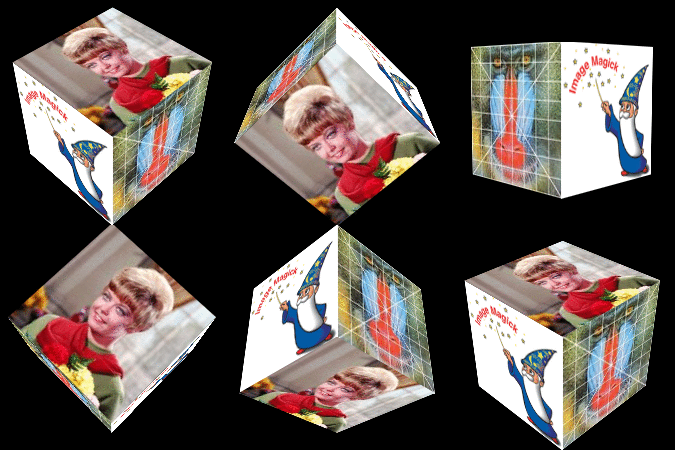
ImageMagickでいろいろな3Dカバーを作成できます。
  # Generate a Spine Image
  convert -size 200x40 xc:skyblue \
    -pointsize 20 -gravity north -annotate +5+0 'IM Examples' \
    -pointsize 10 -gravity south -annotate +0+0 'ImageMagick' \
    -stroke blue -strokewidth 2 -draw 'line 30,0 30,40' \
    -rotate -90 box_spine.jpg

  # generate the front cover
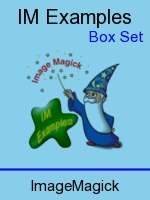
  convert -size 150x200 xc:skyblue \
    -fill black -pointsize 20 -gravity north -annotate +0+5 'IM Examples' \
    -fill blue -pointsize 15 -gravity northeast -annotate +5+28 'Box Set' \
    -fill black -pointsize 15 -gravity south -annotate +0+5 'ImageMagick' \
    -stroke blue -strokewidth 2 -draw 'line 0,169 150,169' \
    \( logo.gif -resize 100x100 \) \
    -gravity center -compose multiply -composite box_front.jpg

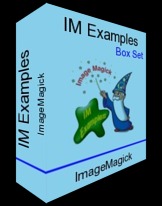
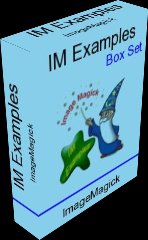
  # Distort both images and merge using common points.
  convert \
    \( box_spine.jpg -alpha set -virtual-pixel transparent \
       +distort Perspective \
           '0,0 -30,20  0,200 -30,179  40,200 0,200  40,0 0,0' \) \
    \( box_front.jpg -alpha set -virtual-pixel transparent \
       +distort Perspective \
           '0,0 0,0  0,200  0,200  150,200 100,156  150,0 100,30' \) \
    \
    -background black -compose plus -layers merge  +repage \
    -bordercolor black -compose over -border 15x2    box_set.jpg